Your rehearsal partner, whenever you need one.
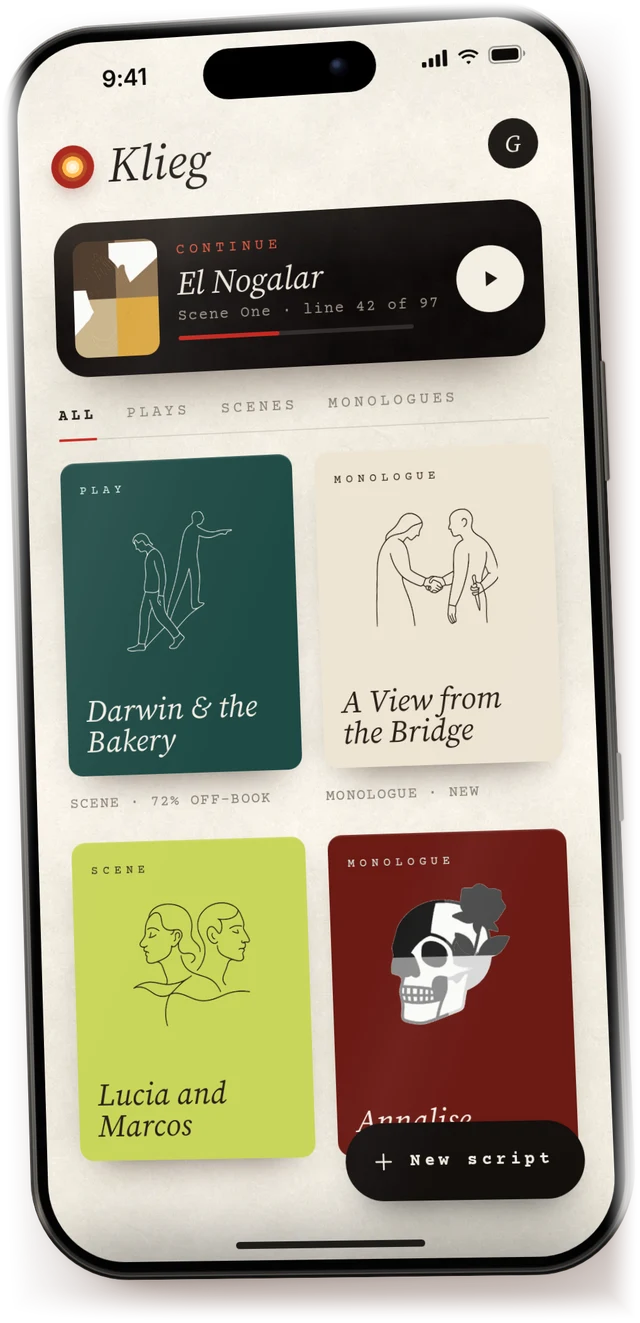
Bring in your script, choose your role, and run the scene until the words stop feeling borrowed.
Four ways to rehearse.
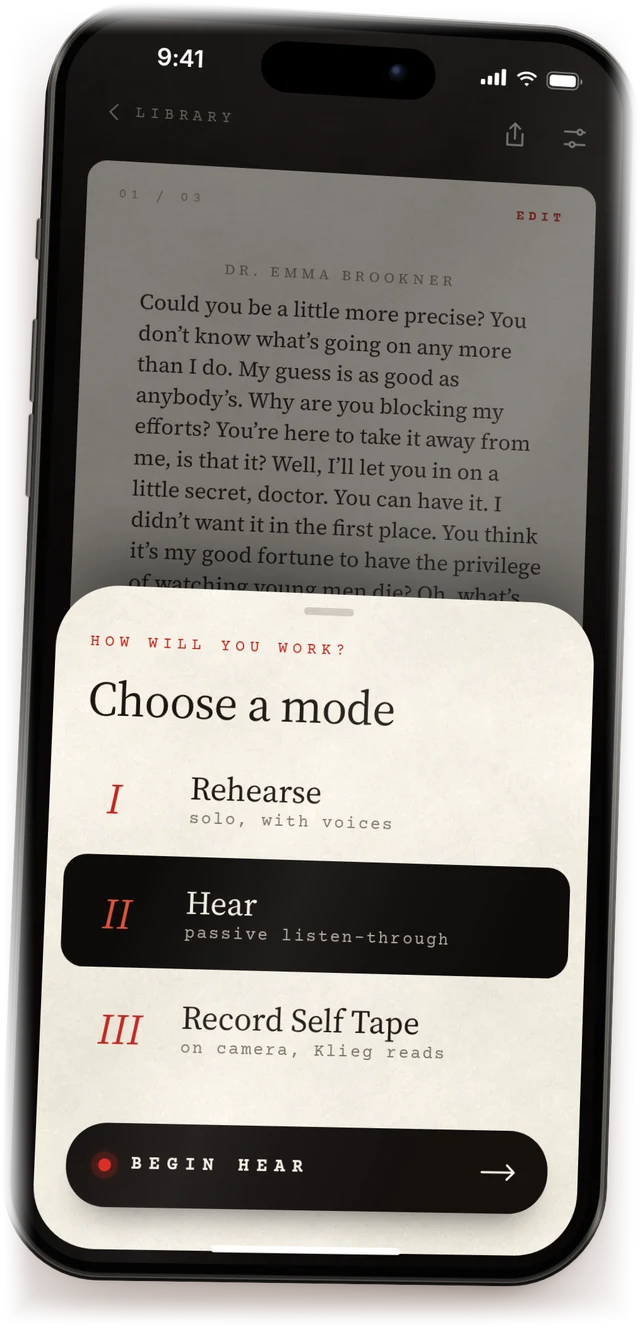
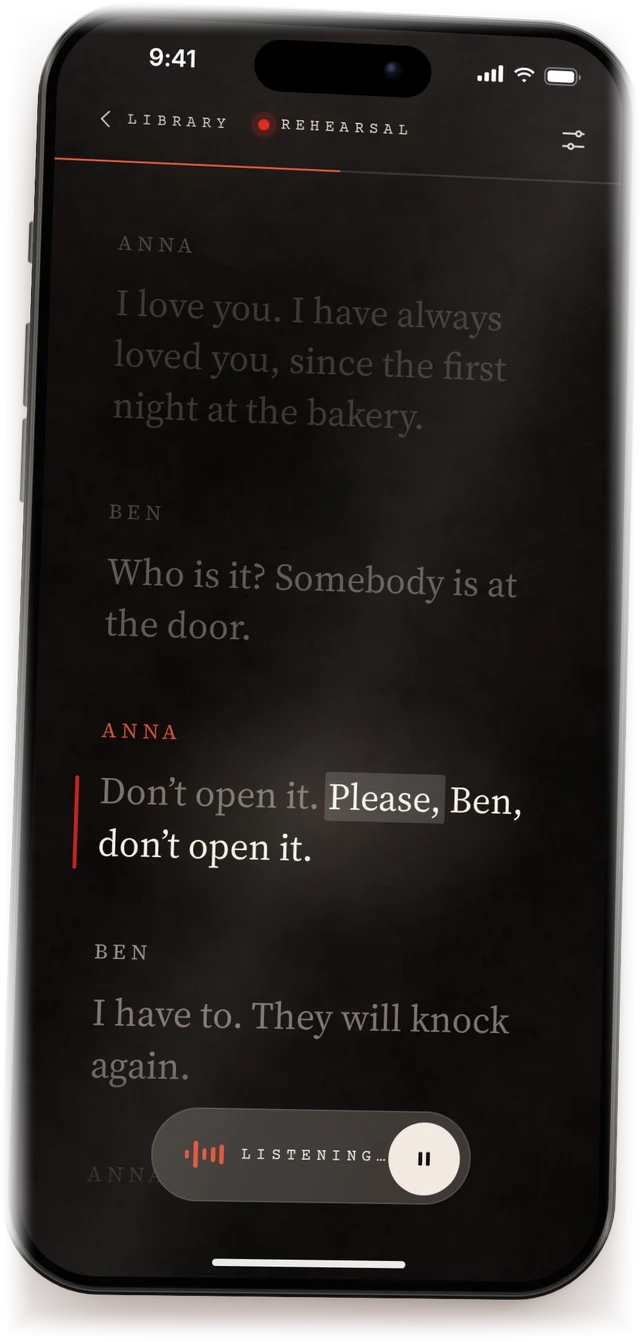
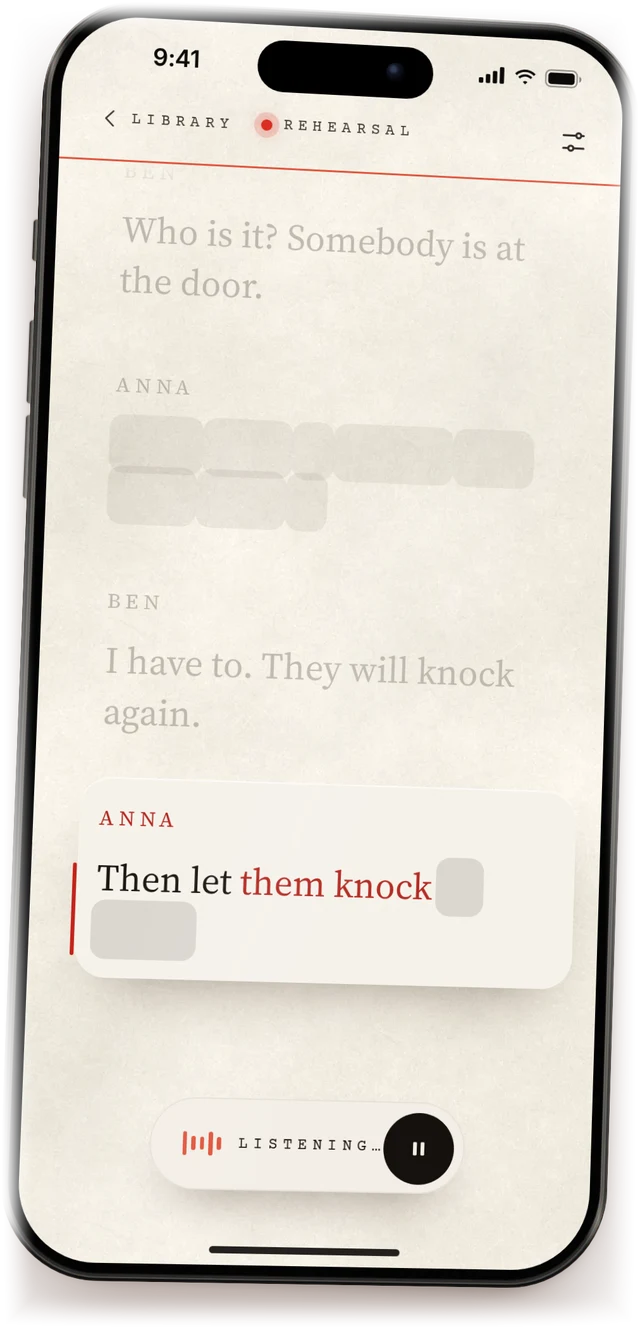
Rehearse
SoloPick your character. Klieg reads every other role and waits for you to finish each line. No timeouts, ever. Say “line” for a prompt.
Scene practice
With partnersTwo or more actors, one phone. Klieg stays out of the way while you run the scene together.
Hear
Listen throughEvery part read aloud in order, with phonetics under each line. Perfect for a first pass, or review on the go.
Self tape
On cameraYour lines float by the lens and Klieg reads your partner. The video stays clean.
Any script, three ways.
However your sides arrive, they become a script you can rehearse in seconds.
Paste
Copy your sides from any source and paste them in. Klieg shapes the text into a rehearsal-ready script.
Photo
Photograph your printed pages, in order. Klieg reads them and finds every character and cue.
Upload the PDF from your audition email and start working from the script you were sent.
Mark up your script like paper.
Write on the page with Apple Pencil: arrows, beats, a note in the margin, in red, blue, gold or black. Your notebooks sit on a shelf above the script.
Self tapes, done right.
Drag your lines anywhere on screen, close to the lens. Klieg reads your partner, counts you in, and keeps every take in one place.
The teleprompter never ends up in the video.
Use Klieg with the work actors already do.
Your scene partner is waiting.
Free to download. Rehearse your first scene in a couple of minutes.